MIME SCAPE.
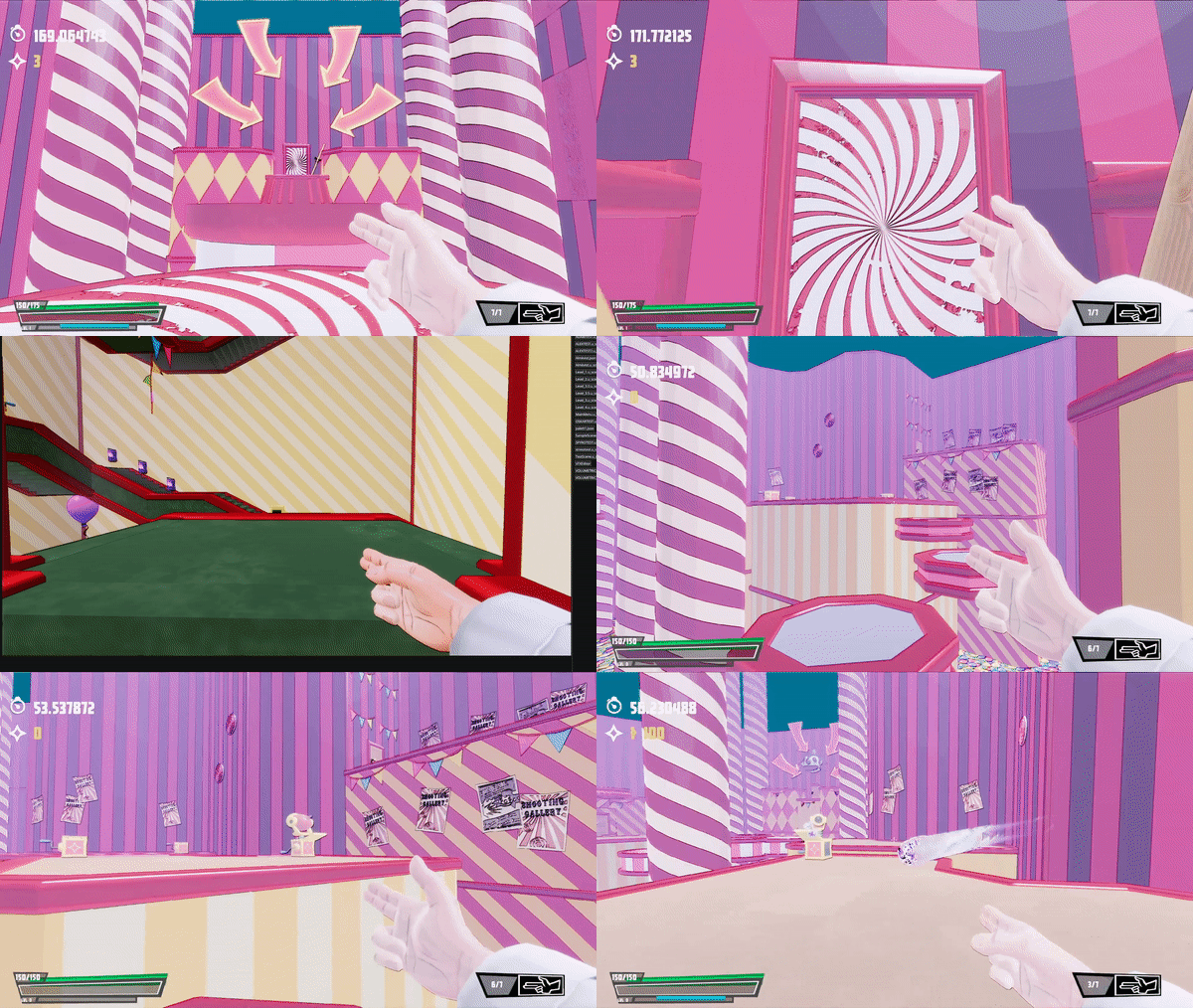
MIME//SCAPE is a fast-paced FPS inspired by Roboquest. A project developed in our own made engine during the span of 14 weeks together with 13 people: 5 programmers, 3 level designers, and 5 artists. The game pushes various gameplay elements while still having a very unique look with high-end graphics techniques.
Genre: FPS
Engine: Group-Made
Inspiration: Roboquest
Overview.
Developing this game was challenging but very rewarding since I got to work a lot cross-disciplinary. Because our pipeline and engine were already pretty robust, I could focus my time elsewhere. This is when I started to implement and develop systems that would enhance the visual fidelity of the game as well as help the artist out in the making. In this project, I also got the chance to try out different rendering techniques I have wanted to do for a while.
Challanges.
Definitely, one of the biggest challenges we faced was capturing the essence of the game. The stylized and minimalistic style of the game required us to make numerous adjustments to the shading and lighting. Another challenging but enjoyable task that we tackled during the project was the development and iteration of a mask system. We spent a lot of time perfecting this feature to ensure its seamless integration into the game.
Contributions:
Compute Shaders
Toon Shading
Mask System
PhysX integration
Screen Space Outlines
Screen Space Ambient Occlusion
VFX system based on Unreal’s Niagara
Modular Rendering with multiple Cameras
Text Rendering
Shader Runtime Re-Compile
Optimiazations like Z-Pre Pass
Compute Shaders.
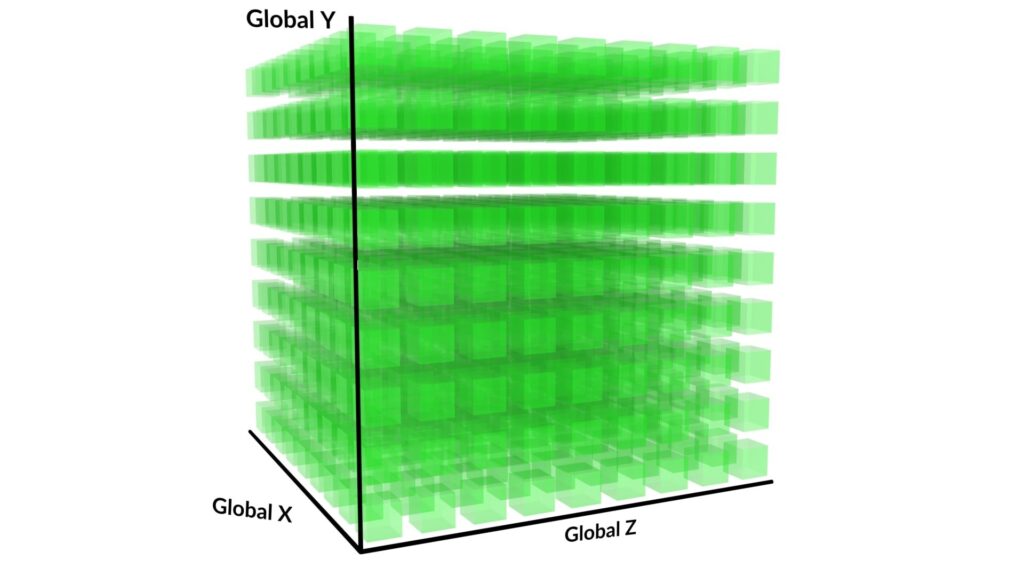
Given SSAO’s time-consuming nature, I saw this as the perfect chance to incorporate compute shaders into my daily programming, which had always intrigued me. Some of the features which were made with compute shaders:
Screen Space Ambient Occlusion
Screen Space Outlines and Z-Prepass done through Compute Shaders
Fullscreen effects done through a compute shader fullscreen effect class
Compute Fullscreen Effect
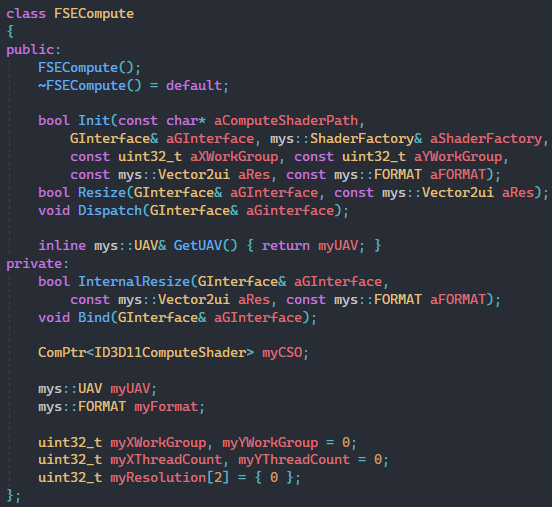
We had already implemented a fullscreen effect solution for some time, but when I began working on incorporating the compute shader, I realized that creating a computed fullscreen effect wrapper that was easy to use would be a beneficial addition. Both for performance and also for the easy-to-use tool that the rest of the programmers could utilize.
This class contains all the necessary components to create a screen space compute solution and automatically calculates the required dispatch calls to ensure the effect covers the entire screen.
Future Work
In future iterations of this class, I aim to incorporate HLSL reflection to automatically retrieve the work group amount from the shader instead of relying on user input, which can be prone to errors. Additionally, I plan to minimize the number of Unordered Access Views used by implementing a shared view.
PhysX Integration.
I took it upon myself to ensure that we would have robust collision detection and response in this FPS game project. After conducting some research, I found that Nvidia PhysX had an excellent reputation in this area, so I decided to use it as our starting point.
Integrated PhysX to the ECS in our engine.
Physics Rigidbodies, Colliders, Triggers, and Character Controller
Easy to use Wrapper
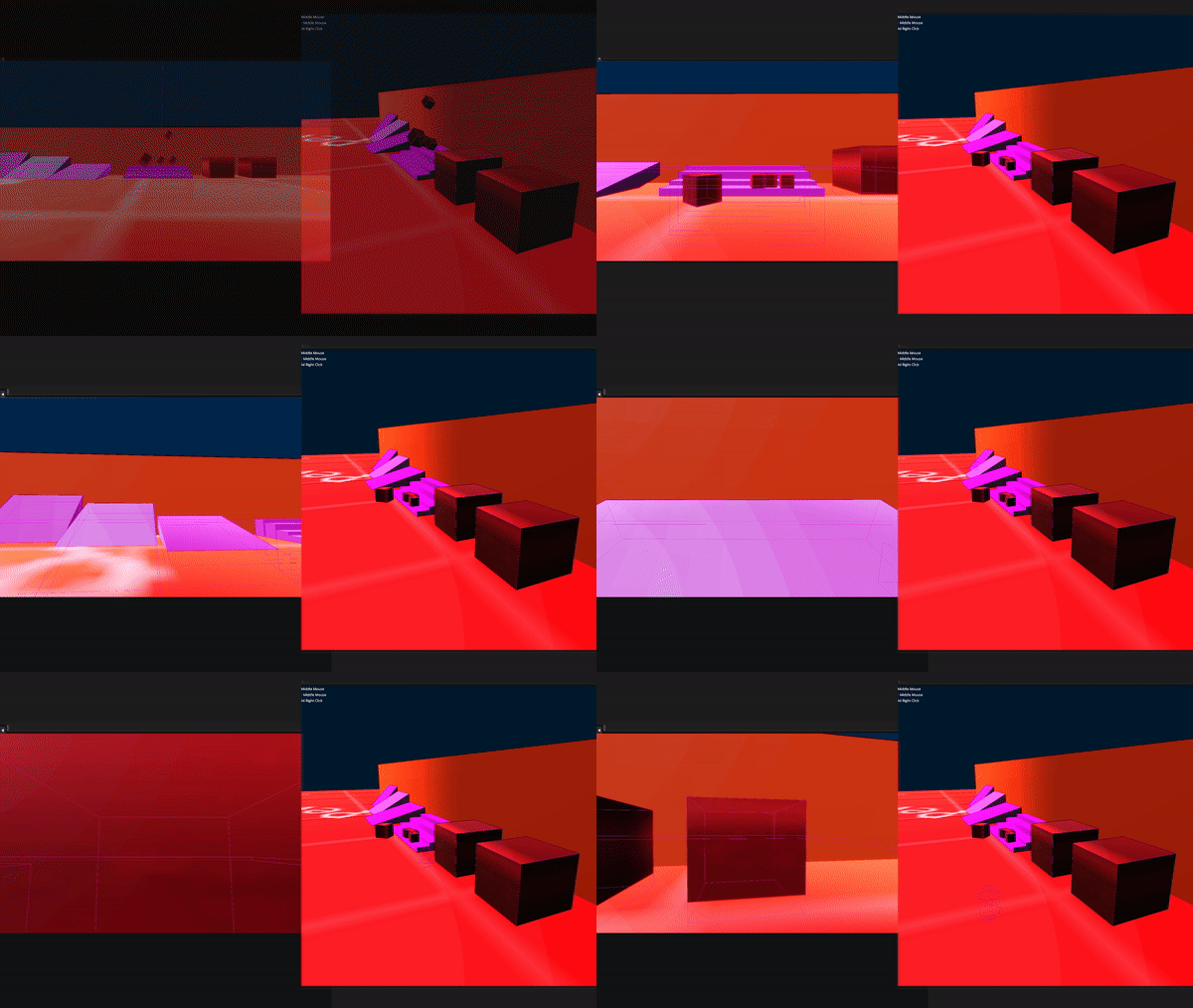
Colliders, Triggers & Physics Controllers
My primary focus when beginning work with PhysX was to ensure that the team could easily utilize it. To achieve this goal, I looked at how Unity had implemented its interpretation of physics objects and aimed to replicate that approach. Since the designers had primarily worked with Unity during previous projects, I wanted to create a seamless transition for them.
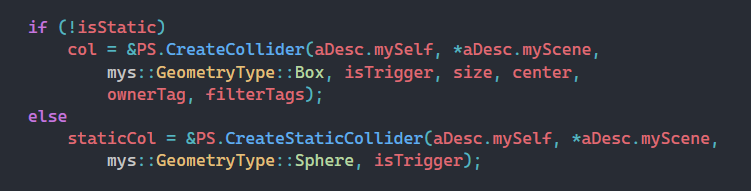
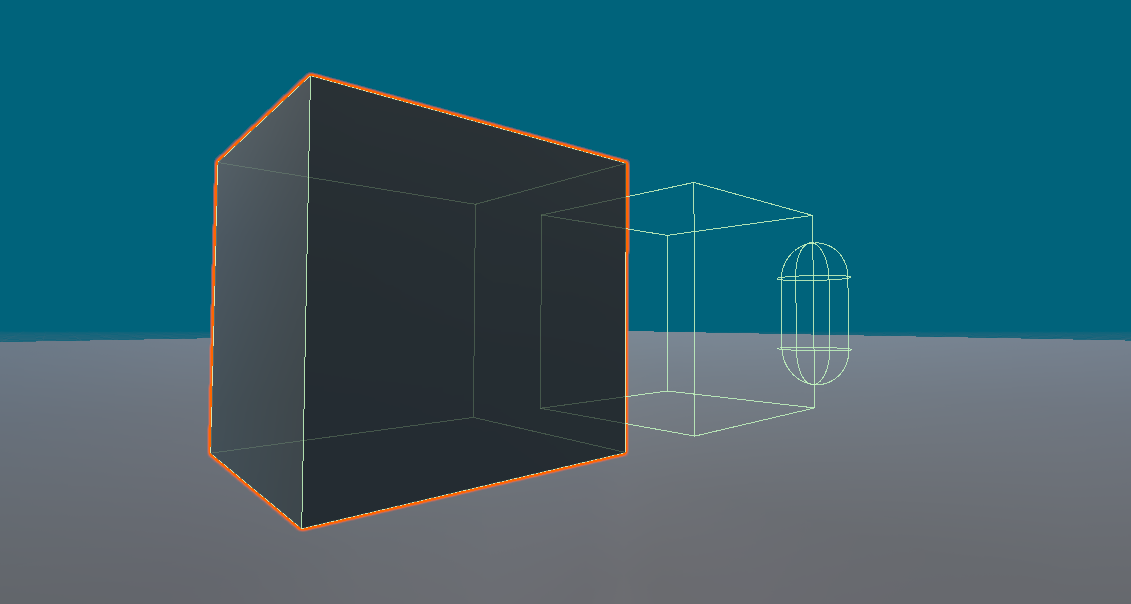
In Unity, colliders can be designated as either static or non-static, allowing for the creation of either rigid static or dynamic PhysX rigid bodies. Furthermore, both types of colliders can also be marked as triggers, thereby disabling their simulation and allowing for interaction similar to Unity colliders. When a rigid body component is added, it takes control over the collider component and enables certain flags that allow the collider to behave like a rigid body.
These different collider types can be easily created through the physics system, which acts as a middleman for PhysX functionality. This approach not only simplifies the interface and improves encapsulation, but also reduces compile time by enabling forward declaration.
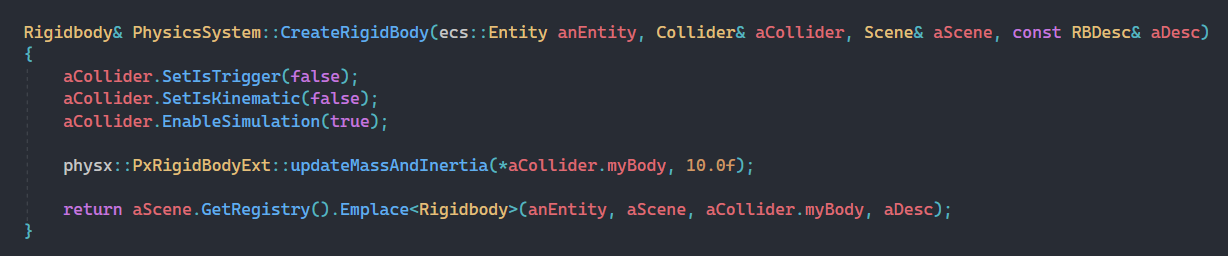
PhysX with Engine ECS
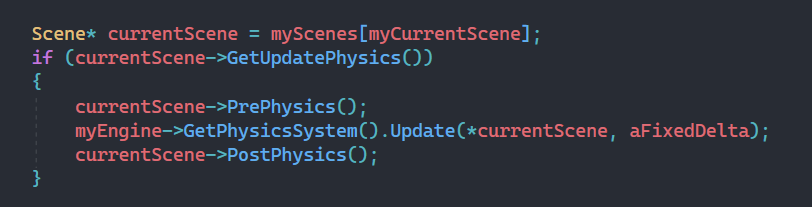
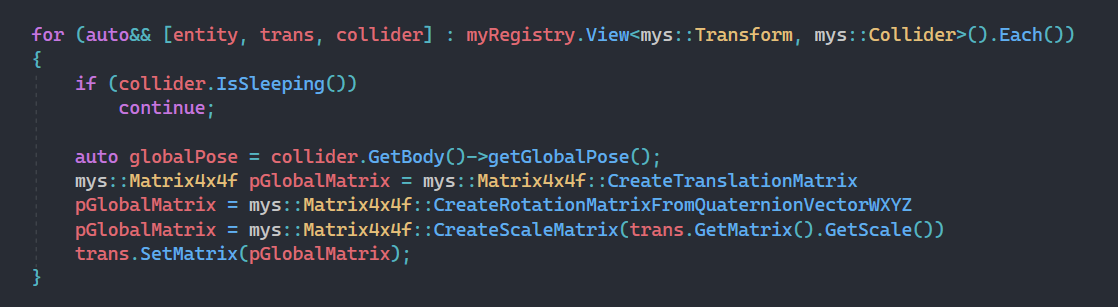
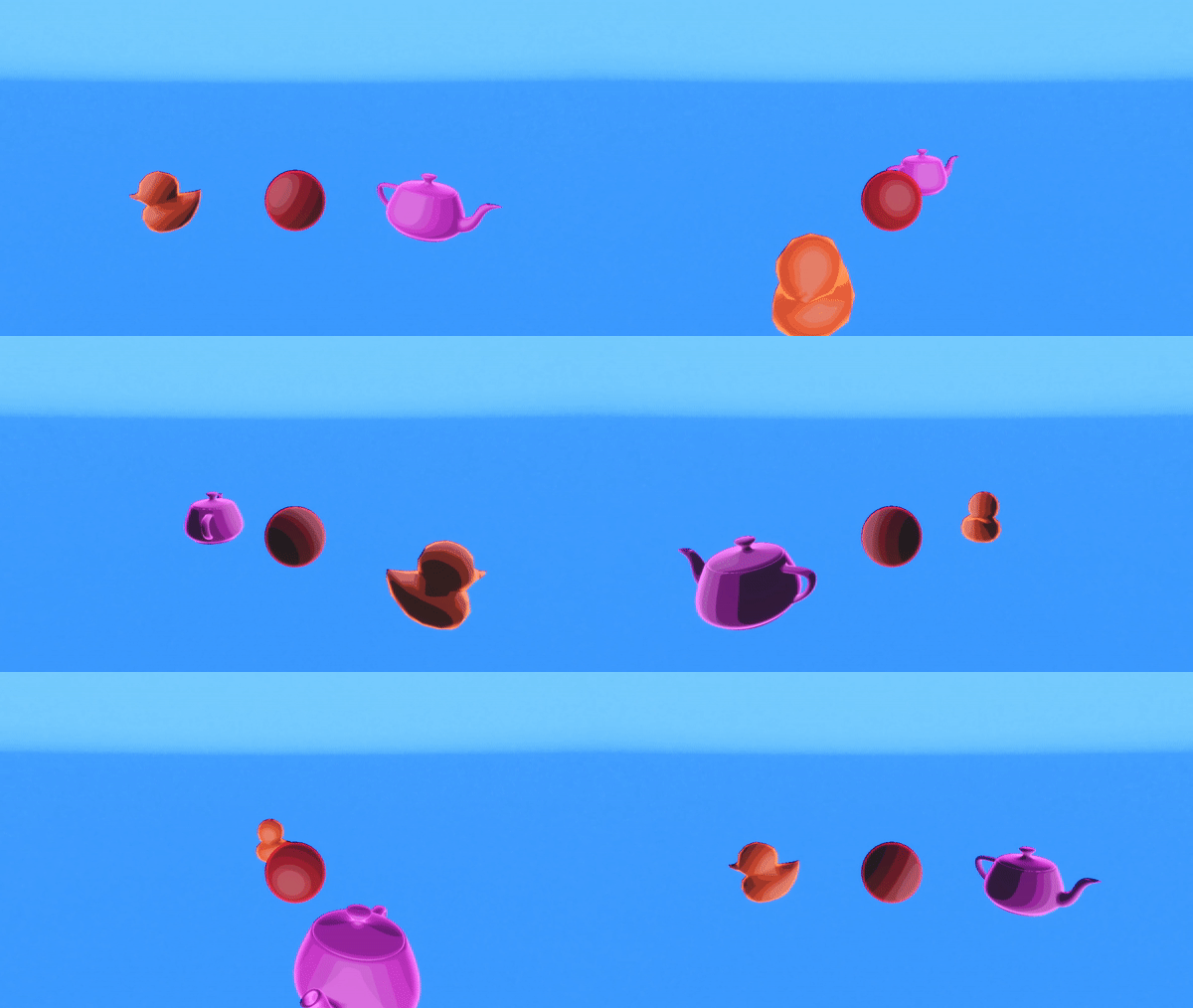
To manage the physical behavior of entities in our game, we instantiate a PhysX scene for each scene, where all PhysX objects are stored. During level loading, every Unity physics object is assigned a component that references a corresponding PhysX actor. During each frame, we update the PhysX actor to match the game’s transform (PrePhysics), and then reverse the process to synchronize the ECS entity’s transform with the PhysX actor’s transform (PostPhysics). This approach allows PhysX to operate independently while still enabling users to manipulate PhysX actors through our script system and editor.
Toon Shading.
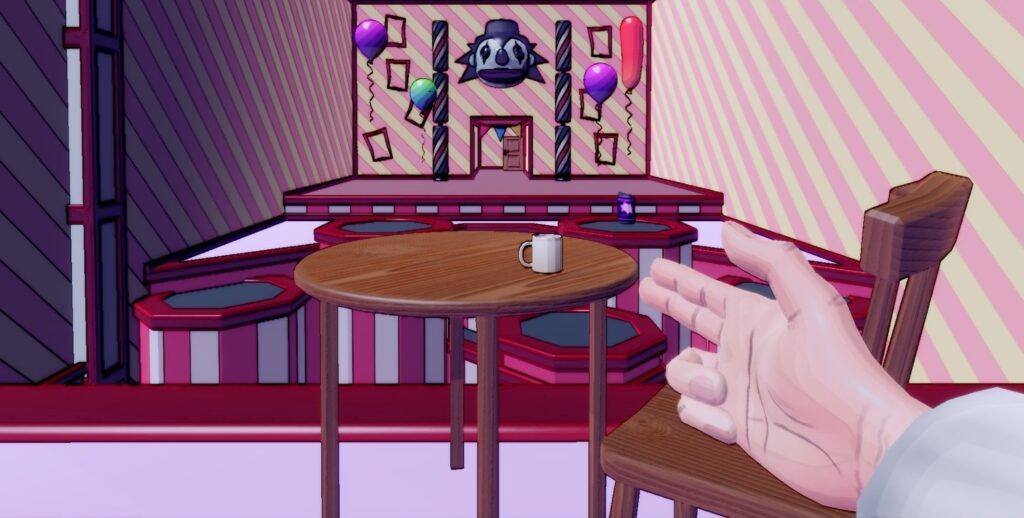
Collaborating has always been a driving force in my work and it was no different in this project. Working closely with our talented team, we aimed to create a game with a unique visual and gameplay experience, which led us to adopt a toon-shaded art style. Some of the features that were implemented are:
Cel-Shading
Toon Shaded BRDF
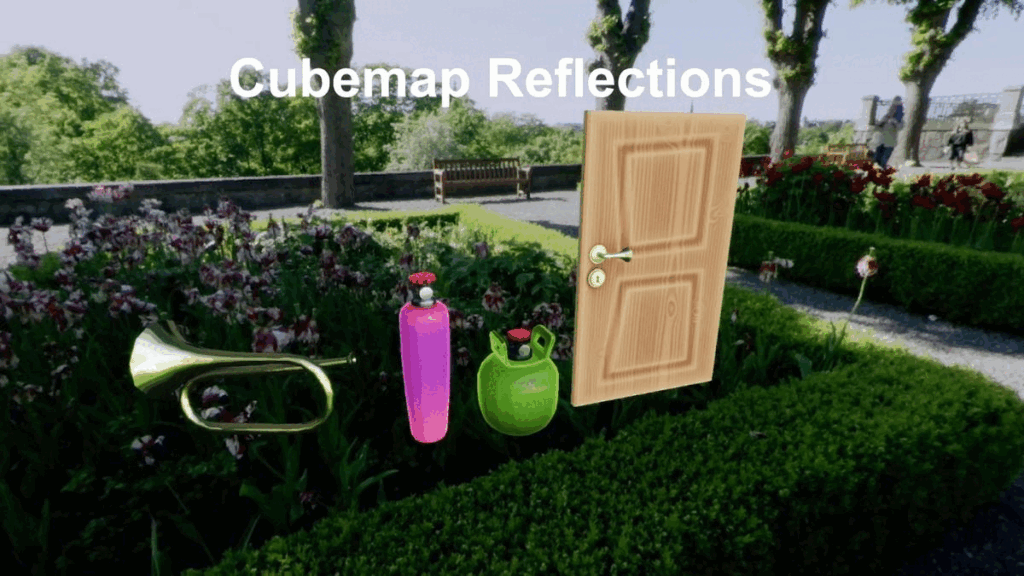
Image-Based (Cubemap) Reflection
The Shading
Working with the framework is straightforward, as the rendering call only requires a scene and camera as input parameters. If the camera has a render target already created, it will render to that texture. However, if a render target is not present, it will write to an intermediate target and then copy the output to the back buffer. This approach became necessary as the Launcher project of the game did not require any additional viewport or game view cameras.
The following solution was inspired by the easy-to-use Render Texture in Unity, as I created the functionality for each camera to have its own textures. Applying the texture to a material is just as easy as applying an albedo texture.